A shareable discount link applies a discount code automatically when a customer clicks it, so they never type anything at checkout. Fewer steps, fewer abandoned carts.
This guide covers the URL parameters that actually work, including two most guides get wrong, and how to run these links in real campaigns.
The basics
Codes only. Automatic discounts have no code, so they can’t be turned into a link. Create a discount code, then:
https://yourstore.com/discount/CODENAME
That applies CODENAME and lands the customer on your homepage.
Redirect to a specific page
Add ?redirect= to send them to a collection or product with the code still applied:
https://yourstore.com/discount/15OFFSHIRTS?redirect=/collections/shirts
The encoding trick most guides miss
Plain slashes in the redirect sometimes break. %2F is the encoded form of /, and it’s more reliable:
https://yourstore.com/discount/15OFFSHIRTS?redirect=%2Fcollections%2Fshirts
If a redirect link isn’t working, this is almost always the fix.
Multi-market stores: the country parameter
For international stores, append &country=ISO_CODE to set the locale:
https://yourstore.com/discount/VIP40?redirect=%2Fcollections%2Fshape-tape&country=AU
Test it. Collections can still default to your base locale (usually US) depending on Shopify’s behavior, and there’s no native automation to set country per customer yet.
Where these earn their keep
- Email and SMS: redirect links to the exact collection beat a bare code, you remove the “go find the products” step.
- Influencer drops: pre-load the promoted product so the audience checks out fast.
- Paid social: direct-to-product links shorten ad-to-purchase.
Mistakes that break links
- Linking to an inactive or expired code. Fails silently, customer pays full price.
- Expecting one link to apply multiple codes. Native links apply one. Stacking needs an app.
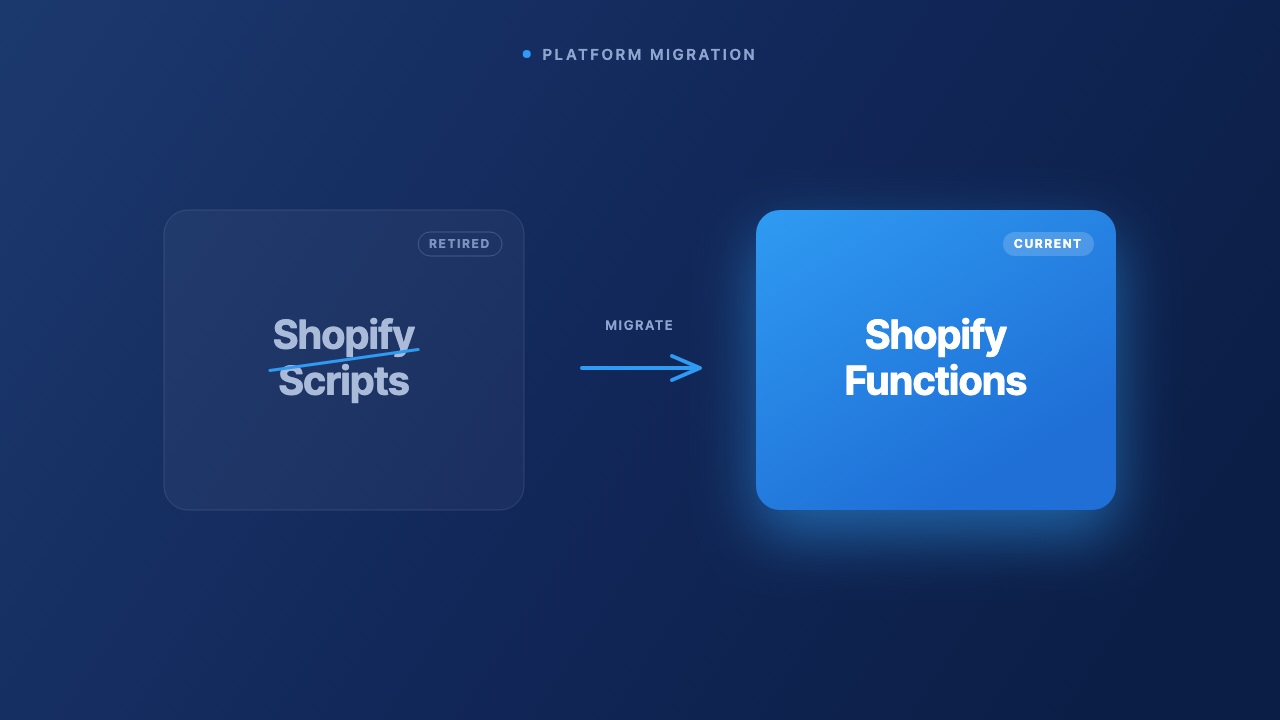
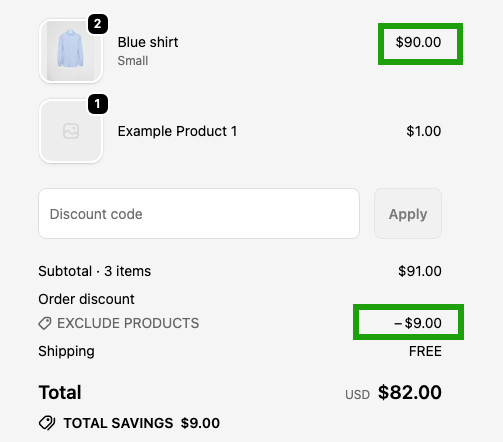
- Ignoring combination rules. Since Shopify Functions, whether the link’s code stacks with an automatic discount depends on your combination settings. If unset, the code may replace your automatic discount instead of adding to it. See our stacking and combinations guide.
At scale
Shopify’s native link tool is basic. Regios does more:
- Adds the country/locale selector Shopify’s generator leaves out.
- Auto-detects every product and collection referenced in your discount logic and generates a link for each.
- Shows discount strikethroughs on your storefront when a code is applied through the app, lifting conversion.